On October 28, 2026, WordPress released version 7.1.4, and this one is not a routine housekeeping update. It patches 22 vulnerabilities, including a critical unauthenticated remote code execution flaw that attackers are already probing in the wild. If your site is running any version of WordPress from 4.7 through 7.1.3, it is exposed. The WordPress 7.1.4 security update needs to go on your site today.
What the RCE vulnerability actually does (in plain English)
The flaw, tracked as CVE-2026-119977 and rated 8.1 (High) on the CVSS scale, lives in the way WordPress handles its own update process. When WordPress installs an update, it unpacks the new files into a folder inside wp-content/upgrade/. Before 7.1.4, that folder had a predictable name, and the cleanup routine deleted the file that prevents the directory from being listed publicly. According to Patchstack, this means that for the few seconds an update takes to run, a complete WordPress installation sits at a guessable, publicly accessible path, including the installer file wp-admin/setup-config.php. An attacker who hits that path during that window can run the installer against their own database and effectively take over the site.
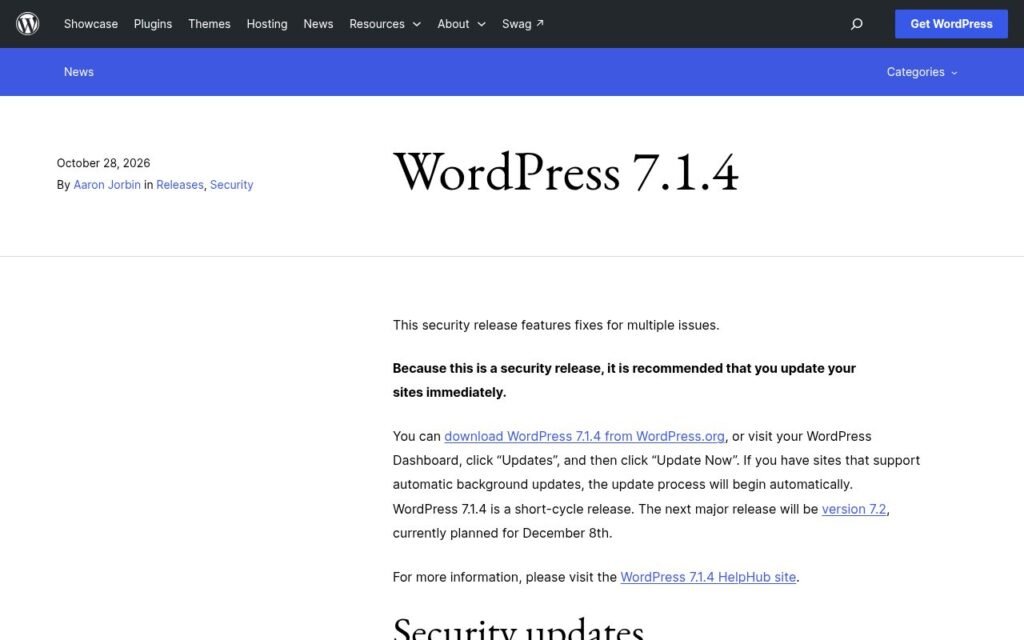
The window is narrow. Wordfence observed it lasting only seconds in lab environments. But as Wordfence notes, threat actors are already polling vulnerable paths repeatedly, trying to catch sites mid-update. The fix is straightforward: 7.1.4 makes the staging folder name unpredictable so the path cannot be guessed.
Critically, this exploit requires no account on your site at all. Every other vulnerability in this release requires at least a Contributor-level login. This one does not.
The other 21 fixes you should know about
The rest of the release is heavy on stored cross-site scripting (XSS) issues. Seven of the advisories involve WordPress’s Interactivity API, covering attack vectors through JavaScript URLs, event handler bindings, prototype pollution, and uploaded text files. Most of these require a Contributor-level account, meaning someone your site allows to submit draft posts could exploit them if left unpatched.
There is also a second unauthenticated issue: unpublished Customizer changesets can be discovered by visitors with no account, reported by Antonio Lorensius Silaban. That is an information disclosure problem rather than code execution, but it is still worth patching. The release also updates the bundled root certificates following the eMudhra revocation.
To put the volume in context: 7.1.3, three weeks ago, fixed seven vulnerabilities. This release fixes 22. It is the seventh core security release since mid-July 2026, and more than 50 vulnerabilities have been patched in core over that period, according to The Repository.
How to check your site and what to do right now
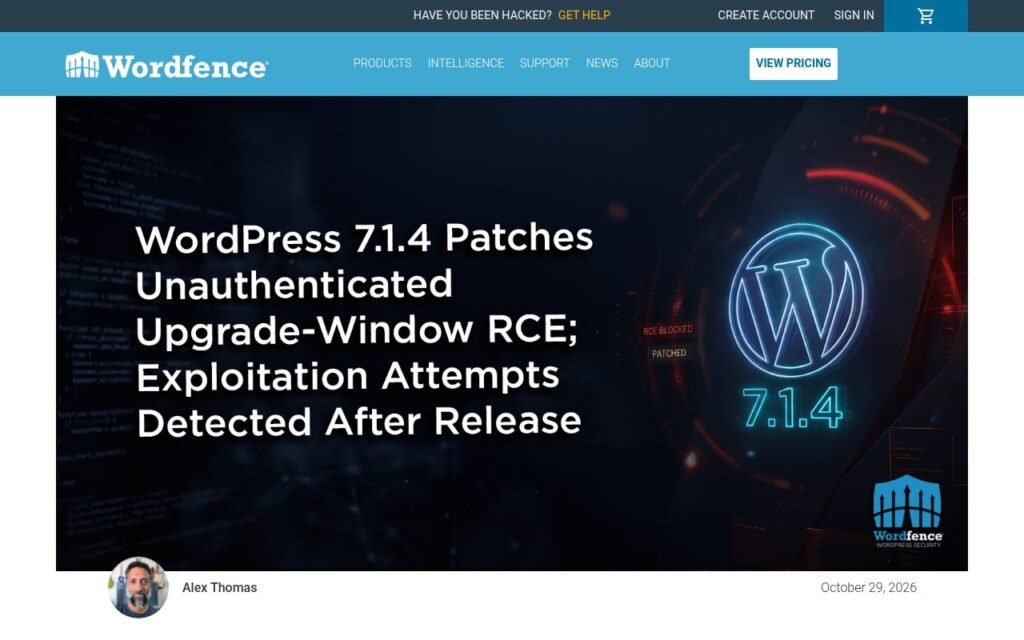
Most WordPress sites with automatic background updates enabled will have already updated. Do not assume yours did. Log into your WordPress dashboard, go to Dashboard > Updates, and confirm the version shown is 7.1.4. If you are on a supported older branch (4.7 through 7.0), the patched versions were backported the same day: for example, 6.7.11, 6.8.12, 6.9.11, and 7.0.8 all carry the fix. Check the official WordPress 7.1.4 release page for the full list of patched branch versions.
If you are on managed hosting, ask your host whether they pushed the update automatically and what version your site is now running. A good host will confirm it in writing. If you are on unmanaged hosting and something went wrong during the update, contact your host before attempting a manual update, since a failed update is exactly the moment this vulnerability is exploitable.
If you use Wordfence, verify that the firewall is running in Extended Protection mode. Wordfence explains that this exploit bypasses WordPress’s normal bootstrap by requesting the staged PHP file directly, so the firewall needs to intercept direct PHP requests to block it. Wordfence Premium, Care, and Response customers received a blocking rule on October 28. Free users receive it on November 27, following the standard 30-day delay. The firewall rule is a layer of defense, not a substitute for updating. Per Wordfence’s advisory, receiving the rule does not replace installing the security update.
A quick checklist before you close this tab
- Log into your dashboard and confirm you are running WordPress 7.1.4 or the patched release for your branch.
- If automatic updates are off, turn them on for security releases in Settings > General or via your host’s control panel.
- Ask your host to confirm the update version in writing if you are on managed hosting.
- If you use Wordfence, verify Extended Protection is active under Wordfence > Firewall > Manage Firewall.
- Check that no Contributor-level or Author-level accounts exist on your site that you did not create intentionally.
This is exactly what a care plan is for
We watch releases like this closely because a lot of our clients would not have seen this news until days after it dropped, and a few seconds of update window is all an attacker needs. Our care and maintenance plans include monitored core updates applied promptly after a release is confirmed stable, so a security release like 7.1.4 goes on your site the same day, not whenever you happen to check your dashboard. We also keep plugin and theme versions current and flag anything that looks off in uptime or error logs.
If you want to know whether your current setup has other exposure points beyond this release, our team does a thorough review as part of a broader WordPress build or as a standalone audit. You can read more about how we approach technical audits or take a look at how we structure a WordPress design and build from the ground up.
If you are not sure whether your site has updated and you want someone to check it today, get in touch with us. We will tell you exactly where things stand.