WordPress Core Web Vitals: a practical guide to passing them
 Alipio Gabriel
·
·
5 min read
Alipio Gabriel
·
·
5 min read
Google has been using WordPress Core Web Vitals as a ranking signal since 2021, and most sites we audit are still failing at least one metric. Not because the fixes are mysterious, but because the usual advice stops at “install a caching plugin” and calls it a day.
What the three metrics are actually measuring
Largest Contentful Paint (LCP) measures how fast the biggest visible element loads. For most WordPress sites that means a hero image or an above-the-fold heading. Interaction to Next Paint (INP) replaced First Input Delay in March 2024 and measures how quickly the page responds to any click, tap, or key press during the entire visit, not just the first one. Cumulative Layout Shift (CLS) measures visual stability: elements jumping around as the page loads costs you points here.
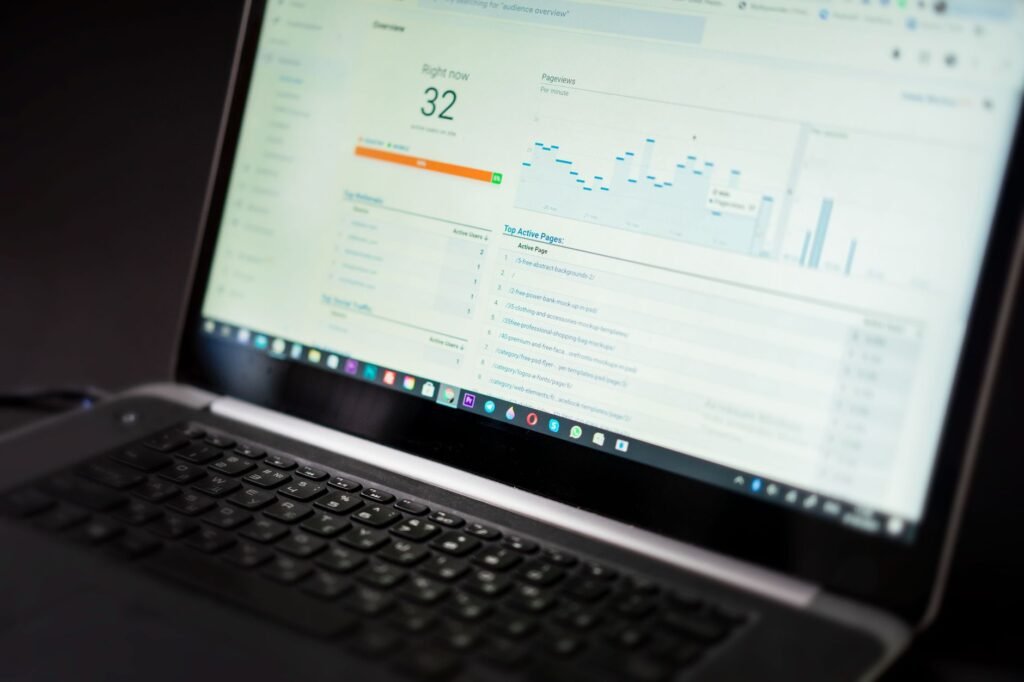
Google’s own Core Web Vitals documentation sets the “Good” thresholds at LCP under 2.5 seconds, INP under 200 milliseconds, and CLS under 0.1. Those numbers matter because PageSpeed Insights and Search Console both report field data from real Chrome users, not just lab conditions. A site can score 90 in a lab and still fail in the field because of a slow hosting environment or a third-party script loading on every page.
Where WordPress builds tend to break down
LCP failures on WordPress usually trace back to three places: an unoptimized hero image served without modern formats like WebP or AVIF, a theme that renders the largest element late because it is buried under render-blocking CSS, or a shared hosting environment that just cannot respond fast enough regardless of what you optimize on the front end. We see the last one constantly. Cheap hosting is the hidden ceiling.
INP problems are almost always JavaScript. Page builders like Elementor Pro load significant JS bundles even on pages where they are not needed. WooCommerce adds more. A contact form plugin, a cookie consent banner, a live chat widget, an analytics tag loaded synchronously and you have queued up enough main-thread work to push INP into the red. The fix is usually a combination of deferring non-critical scripts, removing plugins that are pulling weight they are not earning, and occasionally rethinking whether a page builder is the right tool for a given project.
CLS is the tidiest one to fix once you know what causes it. Images without explicit width and height attributes, web fonts swapping in after layout, and ads or embeds that push content down are the usual suspects. Adding those dimensions and using font-display: optional or font-display: swap correctly handles most of it.
The tools worth actually using
PageSpeed Insights gives you the field data and lab data side by side and is the right starting point. Chrome DevTools Performance panel is where you trace INP regressions to specific event handlers. WebPageTest lets you run a test from a specific location and connection speed, which matters if your users are not all on fiber in the same city as your server. For WordPress specifically, the Health Check plugin and Query Monitor surface PHP-level slowness that PageSpeed will not show you.
For our WordPress speed optimization work, we typically combine a server-level caching layer (Nginx FastCGI cache or a plugin like WP Rocket configured properly), a CDN, image optimization through Imagify or ShortPixel, and a careful script audit. The stack is not magic. The discipline is in not skipping the audit step.
A quick checklist before you call your site optimized
- Hero image is WebP or AVIF, sized to its display dimensions, and has
fetchpriority="high"on the<img>tag. - No render-blocking scripts in the
<head>that are not critical to first paint. - All images have explicit
widthandheightattributes set. - Third-party scripts (chat, analytics, embeds) are loaded with
deferor lazy-loaded after interaction. - Field data in Search Console shows “Good” for real users, not just lab data in PageSpeed.
Does passing Core Web Vitals guarantee a rankings bump?
Probably not on its own. Google has been consistent that page experience is a tiebreaker, not a primary signal. A site with strong content and solid links will outrank a technically perfect but thin site. That said, failing Core Web Vitals is a drag on conversions well before it is a drag on rankings. A three-second LCP on mobile is just a bad experience, and bad experiences do not convert. That is the more honest reason to fix them.
If you have run the audits and you are still stuck, it is usually a hosting or architecture problem that plugin tweaks cannot solve. Our SEO and technical audits dig into exactly this layer, and for sites where the build itself is the bottleneck, a custom WordPress build designed with performance as a constraint from the start makes a measurable difference.
If you want a second set of eyes on your scores, book a free 30-minute call and we will tell you where your site actually stands.