On November 18 and 19, 2026, the PHP project released emergency security updates across all supported versions, fixing 18 vulnerabilities. Seven of them are rated Critical at CVSS 9.2. PHP critical security vulnerabilities in November 2026 are a direct concern for WordPress site owners, and the core issue is not in WordPress itself. It is in the language your site runs on, which means updating WordPress does nothing here. You need to update PHP.
What was actually released and why it matters
PHP shipped four new versions on November 18 and 19, 2026: 8.2.36, 8.3.37, 8.4.28, and 8.5.13. Together they address 18 CVEs. According to Patchstack’s analysis of the release, seven of those CVEs carry a critical severity score of 9.2 under CVSS v4.0. The PHP team gave one day’s notice on php.net, saying the critical issues required non-default configuration or uncommon setups. That caveat is mostly true, but not entirely.
Two of the seven critical issues are reachable on configurations that are common in real WordPress hosting environments. The one getting the most attention right now is CVE-2026-129289, a PHP-FPM request smuggling bug. The other is CVE-2026-129496, a timezone cache memory bug that can be triggered without logging in and depends only on how a server is configured. A third critical issue, CVE-2026-115560, relied on PHP’s session upload progress feature, which was enabled by default in every PHP build until this release.
PHP 8.1 and earlier are no longer supported and did not receive any fixes. If your site is running an end-of-life PHP version, it has no patch path at all.
How CVE-2026-129289 affects WordPress specifically
CVE-2026-129289 is a request smuggling vulnerability in PHP-FPM with a CVSS v4.0 score of 9.2. The Wordfence Threat Response team confirmed unauthenticated code execution in an isolated WordPress lab. Here is the short version of how it works: a web server like NGINX checks an incoming request and passes it to PHP-FPM over a private connection. CVE-2026-129289 can cause PHP to leave part of a request unread. If the web server reuses that private connection, PHP may treat the leftover bytes as a brand-new request, one that never went through the web server’s normal routing or access checks. An attacker who knows the path to an existing PHP file can use this to run PHP code without logging in.
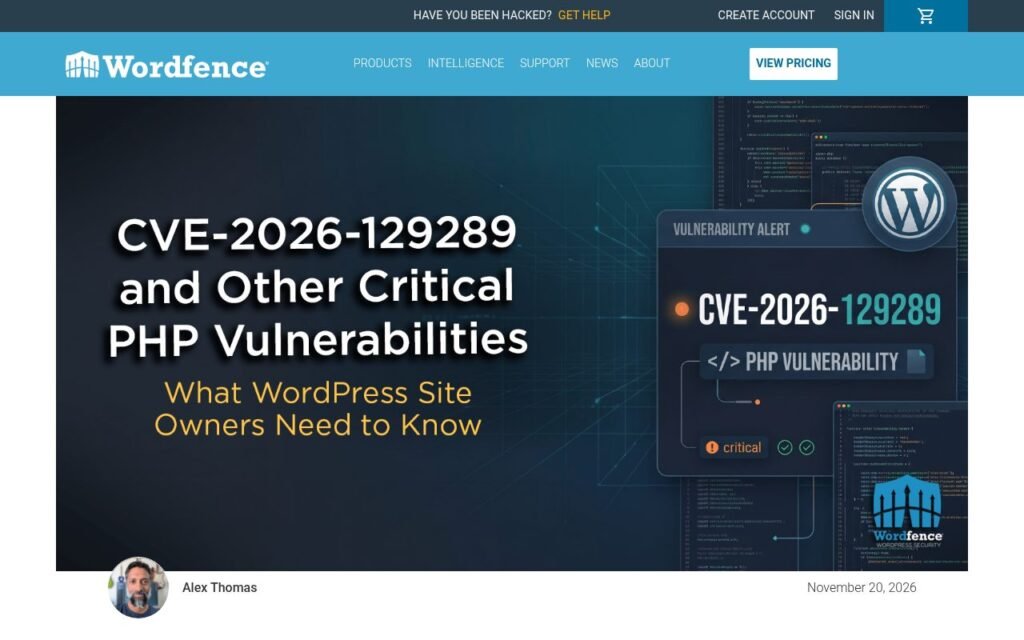
What connects this to WordPress is the REST API. WordPress REST requests call WP_REST_Server::serve_request(), which reads php://input. PHP’s advisory says the application must open php://input for the attack chain to complete. Standard WordPress Core does exactly that on every REST request, with no vulnerable plugin or theme required. Whether your site is actually exposed comes down to one server-side setting: whether FastCGI connection reuse is enabled. NGINX’s default is off. But tools like WordOps, which many WordPress hosts and VPS users rely on, enable it. Apache with mod_proxy_fcgi enablereuse=on is also affected.
The Wordfence team confirmed the attack stopped working once PHP was updated or once FastCGI keep-alive was disabled. No unauthenticated code execution was possible after either change.
How to check your PHP version and what to do next
Log in to your WordPress admin, go to Tools, then Site Health, and click the Info tab. Under the Server section you will see your current PHP version. Compare it against the fixed versions: 8.2.36, 8.3.37, 8.4.28, or 8.5.13. If you are behind any of those, you need to act.
What to do depends on how your site is hosted:
- Managed WordPress hosting (WP Engine, Kinsta, Flywheel, etc.): Check your host’s status page or blog. Most major managed hosts have already patched or are patching now. If you see no announcement, open a support ticket and ask specifically which PHP version your site is currently running.
- cPanel or Plesk shared hosting: Look for a PHP version selector in your control panel. If a patched version is available, switch to it. If it is not listed yet, contact your host and ask when it will be available.
- Self-managed VPS or dedicated server: Run your package manager’s update command for PHP, then restart PHP-FPM. If you use WordOps, check whether
fastcgi_keep_connis enabled in your NGINX templates and consider disabling it as a temporary mitigation while you prepare the update. - PHP 8.1 or older: There is no patch for end-of-life versions. Talk to your host about upgrading to a supported branch before anything else.
Is your site definitely at risk?
Not every WordPress site is exposed to the most severe scenario. Standard NGINX configurations do not enable FastCGI connection reuse by default. Patchstack notes that most of the 18 fixes involve narrow conditions, unusual server settings, or plugins that use PHP sessions directly. That said, two of the critical issues are reachable on ordinary WordPress hosting configurations, and one was on by default in PHP until this week. The safe answer is to treat this as urgent regardless of how you think your server is configured. Configuration drift happens, and not every host documents every setting change they make on your behalf.
We also want to be clear: this is a PHP vulnerability, not a WordPress Core, plugin, or theme bug. Updating WordPress, running a plugin scanner, or installing a firewall plugin addresses a different attack surface. The fix lives at the server level.
How we handle this for clients on care plans
PHP version management is exactly the kind of thing that falls through the cracks when a business owner is focused on running their business rather than watching security advisories. Our care and maintenance plans include monitoring for this kind of update and coordinating with hosting providers so clients do not need to track CVE numbers themselves. When a release like this drops, we check affected sites, confirm patch status with the host, and follow up until it is resolved.
If your site is not on a care plan and you are unsure where to start, a technical audit can surface PHP version issues alongside other server-level risks you may not know about. And if the whole situation has you thinking your hosting setup needs a fresh look, we are happy to talk through options on a free 30-minute call. November 2026 has already seen enough PHP emergencies. No need to wait for another one before sorting this out.