On 18 November 2026, the WordPress Security Team released version 7.1.5, a security-only update that fixes twenty issues across WordPress core. One of those issues requires no login whatsoever and can, under the right conditions, end in remote code execution on your server. If you have not updated yet, that is the only sentence you need to read before opening your dashboard.
What WordPress 7.1.5 actually fixes
The official WordPress release post lists twenty security bullets. Two of those are hardening changes with no exploitable path: a fix to JSON media-type matching and the removal of an obsolete Imgur embed variation. That leaves eighteen genuine vulnerabilities. Wordfence tracks nineteen, because one of the authorization bypass entries covers two distinct flaws with different impacts and affected version ranges.
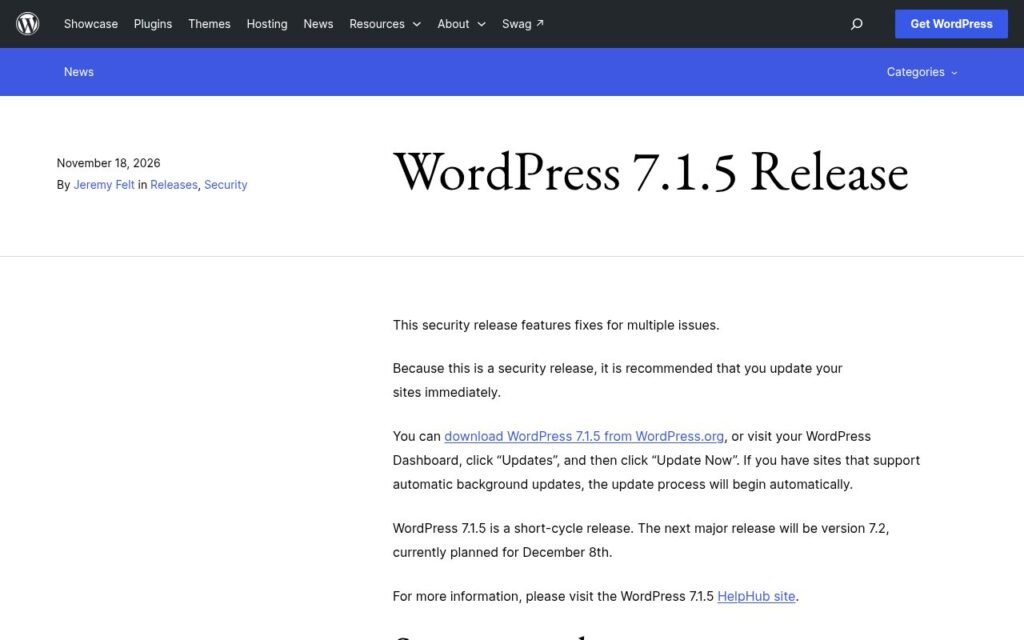
Eight of the vulnerabilities require no account at all to trigger. Wordfence rates one Critical and four High by CVSS v3.1. The full list includes privilege escalation, SQL injection, stored and reflected cross-site scripting (XSS), information disclosure, authorization bypass, and a denial-of-service attack via batched XML-RPC pingbacks.
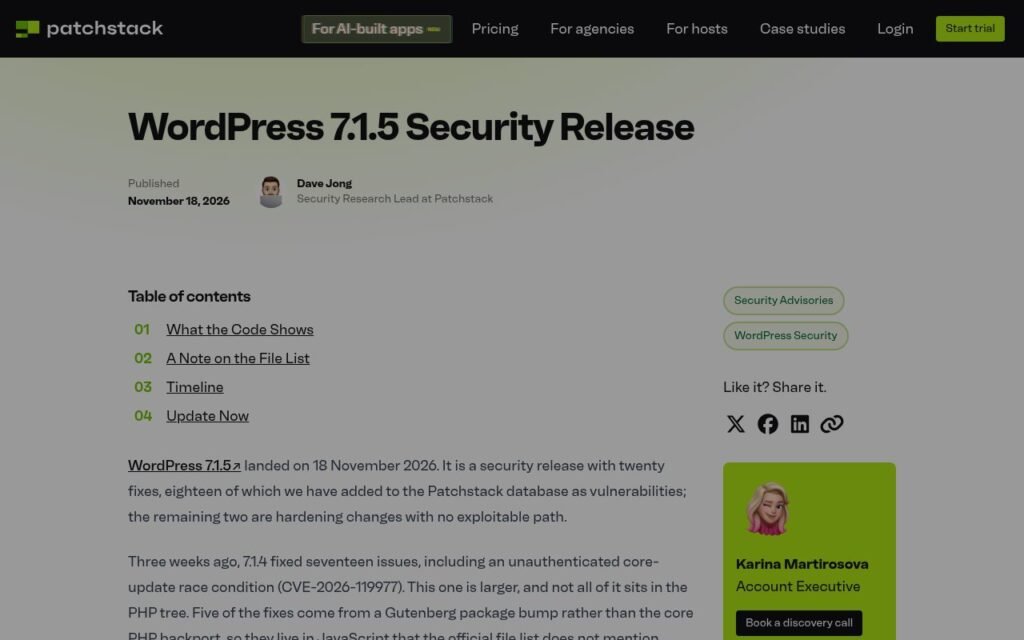
It is also worth knowing where some of these fixes actually live. According to Patchstack’s analysis, five of the patches come from a Gutenberg package bump rather than the core PHP tree, so they sit in JavaScript that the official changed-files list does not show. If you audit releases by scanning PHP diffs, you would miss them.
The vulnerability that matters most right now
The most serious issue is a privilege escalation via Template Part block attributes, reported by software engineering student Logan Homolka. WordPress describes it as unauthenticated and says it can lead to remote code execution.
Patchstack’s Dave Jong explained how it works: the attacker only needs to get crafted block markup in front of someone who can open it in the editor. When a user with editor access opens that content, the block editor fires a request to whatever endpoint the attacker embedded, using the logged-in user’s own cookies and nonce. From there, according to Jong, the path to code execution runs through the administrator’s own plugin installation endpoints, reached with the administrator’s own credentials. The victim does the work without knowing it.
The second most serious fix, rated 9.1 Critical by CVSS, addresses a multisite privilege escalation reported by Yuval Miller. A site Administrator could take over a Super Admin account via insufficient domain separation in Customizer navigation-menu preview hashing. This one affects WordPress 4.3.0 through 7.1.4 on multisite installs.
How to check and update your site
Log in to your WordPress dashboard and go to Dashboard, then Updates. If you are not already on 7.1.5, click Update Now. The process takes under two minutes on most hosts.
Sites with automatic background updates enabled should have received 7.1.5 already, but WordPress itself recommends you confirm it. Do not assume the update ran just because auto-updates are switched on. Verify the version number in your dashboard or under Tools, then Site Health.
If you are on a managed WordPress host such as WP Engine, Kinsta, or Pressable, check your host’s update log or raise a support ticket. Some managed hosts stage security updates before pushing them, which means your site may be a few hours behind. Ask specifically: “Has WordPress 7.1.5 been applied to my site?”
If your site is running a version significantly older than 7.1, check the patched-versions list in the Wordfence writeup. The fix has been backported across a long list of older branches, from 4.7.40 all the way through 7.1.5. Staying on an unsupported branch is a separate problem, but at minimum you should confirm your branch received its corresponding backport.
Quick check before you move on
- Go to Dashboard, then Updates, and confirm the version reads 7.1.5.
- If you are on multisite, pay particular attention: the Critical Customizer privilege escalation targets multisite admins specifically.
- Check that your XML-RPC endpoint is not unnecessarily exposed. The denial-of-service issue exploits batched XML-RPC pingbacks with no authentication required.
- If you run a public-facing site with comments enabled and a Latest Comments block anywhere, treat this update as urgent: the unauthenticated stored XSS via shortcode attributes in comments can fire on any page with that block.
- Verify your auto-update setting in Settings, then General, or confirm it with your host.
This is the eighth core security release since mid-July
That cadence is not an accident. According to The Repository, the WordPress Security Team is intentionally settling into a three-week release rhythm. 7.1.4 came three weeks after 7.1.3, and 7.1.5 came exactly three weeks after that. Across the 7.1 branch alone, 61 vulnerabilities have been fixed in just over two months. The next major release, WordPress 7.2, is currently planned for 8 December 2026.
For site owners, the practical takeaway is simple: core security updates are arriving faster than ever. That is good news for the ecosystem and a genuine workload problem if you are managing several WordPress sites manually. Staying on top of this by hand gets old quickly.
Our care and maintenance plans include core and plugin updates as standard, with a human reviewing each one before it goes live. We track releases like this one the day they land and get updates applied before most site owners have read the announcement. If you would rather not spend your morning checking twenty dashboard URLs every time a security release drops, that is exactly the kind of thing we handle. And if your site needs a broader look after a string of security updates, our technical audits cover security hardening alongside performance and SEO.
If you are unsure where your site stands or you want a second opinion on your update process, get in touch and we can take a look.